








Have a question about how to use/troubleshoot the GUIDEcx Recipe Builder? Want to share an amazing recipe? Use this channel to learn with others!
Recently active
I am working on a Recipe to update a custom field value with the value from an integrated system. The recipe step to update project properties is asking for 2 fields - a Key and a Value. I am assuming the value in the field from the integrated system but the key is not working when I use the Custom Field Name. I was able to find the custom field id in the connectors section of recipe builder but the “key” is not part of the data that comes back when I test the code to “List custom fields”. Where do I find the key references for this step?
Hi friends! My leadership is wondering if we can integrate GuideCX with our Tableau reporting. In talking to our data scientist he said “we need to know if they have an API that we can access”. Is this possible? Has anyone ever integrated with Tableau? Is there another route that I am not aware of (not via the API?)
I have intergrated Guide CX with Slack, created a new channel hoping that any internal notes added in Guide CX would appear in my newly created Slack channel to notify the right people to assist me in answering my customers questions. However this is not working. I followed what you showed on the video eg. #slack:cara but nothing came through. I’d also like to see how we can intergrate Hubspot to eliminate manual tasks and when a new customer signs wondering if this would trigger an automatic project set up in Guide CX?
I'm building a recipe that creates projects from a Monday board's sub items as opposed to the item. I want to push the project ID back to the Monday board's sub items after project creation, but the Board ID field does not accept any datapills for the “Update Item by ID in Monday.com” action. The board ID for a subitem is unique so using the item’s board ID (which is static and easy to find) won’t work. Is it possible to update a Monday board subitem from Recipe Builder?
Our team is currently using the managed package (we have recipe builder). I was wondering if anyone had any ideas on how to create a recipe that populates one field in SFDC. Maybe a batch upload? Any tips are appreciated!
In our templates, we have some participant tasks that are essentially “complete this training course”. These courses are now housed in our company’s LMS where the learning management team wants to assign learners to the courses. I would love to be able to integrate where the courses could be assigned to the learners via API calls to the LMS, but I cannot see where information about participants in a task is accessible in Recipe Builder or via the API docs.Is participant info (e.g. email address) something that’s able to be accessed/acted upon within a recipe?
I'm curious to hear the approach others are taking to determine which professional services (especially related to integrations) require a full scope, proposal, and approval process versus those smaller requests where this might be overkill. How do you avoid scope creep and manage expectations effectively while ensuring the appropriate level of oversight for various types of requests? What criteria do you use, and what best practices have you found helpful in balancing thoroughness with efficiency? -🦖
In case you missed it, we recorded our session with the honorable Jeff Johnson, Integrations Extraordinaire!In this webinar he walks us through:What the GUIDEcx <> Salesforce Integration can do How to do it yourself How we can help you set it up Q&ACheck it out and let us know if you’d like to set it up!💙 The GUIDEcx Team
As your Onboarding Partner, GUIDEcx is always looking for ways to help you work better together with your internal teams to provide a seamless onboarding experience to your customers.One way that we’ve been able to help is with our Recipe Builder!GUIDEcx provides an integration solution (Recipe Builder) for you to connect GUIDEcx to your CRM (and countless other softwares) to pass data to and from GUIDEcx.This month we’re highlighting our two most popular integrations, Salesforce and Hubspot.You might be wondering, “Why should I bother connecting GUIDEcx to my CRM?”To which I say, “Great question! We recommend it because it can save you so much time!”How does a GUIDEcx <> CRM integration save me so much time?Think of all the important information that goes into a Salesforce opportunity that you have to manually migrate into the onboarding project! Things like:Main Point of Contact name and email Type of service package purchased Custom data (like company size, ARR, etc) and more!
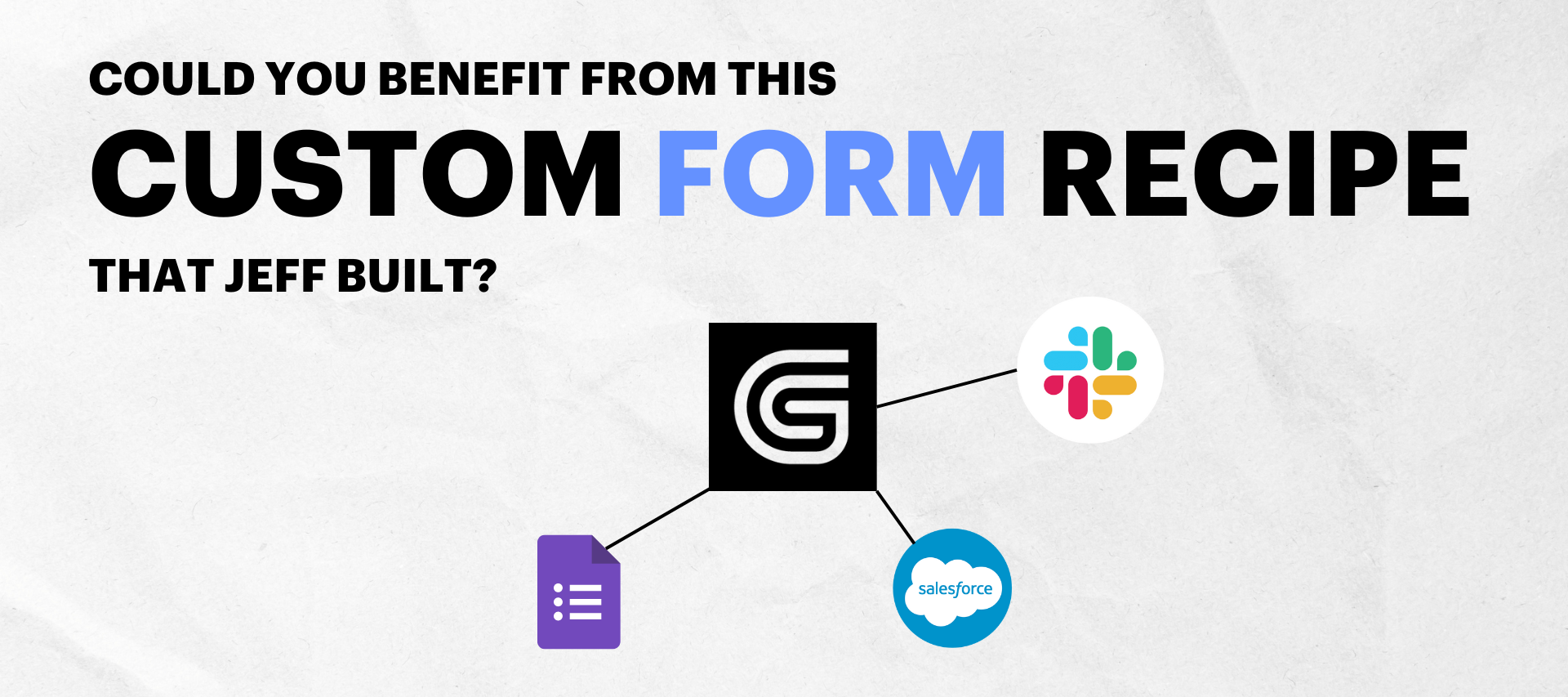
Did you know that with the GUIDEcx Recipe Builder you can automate almost anything?Check out this recording of our own integration wizard, @jjohnson demo-ing a recipe that he’s built.This demo showcases a lot of cool automations we can do via a form (Google Forms in this case although GUIDEcx integrates with any Form software such as Formstack, SurveyMonkey, Typeform, and more).This recipe (aka integration) that Jeff built does the following:Creates a project in GUIDEcx, with the appropriate templates and PM Updates the status of existing tasks Create new tasks Populates the value of custom fields on the project Creates a new Slack channel for the project And invites all project team members to the new Slack channel Creates a project note containing all the form’s questions & answers Invites a customer to the project and auto assigns customer tasksIf you want to set this up in your own instance, reach out to your CSM!
Does GUIDEcx have an integration with DocuSign? I want to automate sending a DocuSign to a client when a particular task is triggered. Alternatively, is there a feature in GCX I could use instead of DocuSign?
My business resales a product and the business’s software we resale goes through an onboarding process where the business invites us to projects to work on with them… I want to use Zapier to automate this from our end… and I able to connect zapier if its not technically my guide CX account and I’m just the one being invited to projects?
Using the GUIDEcx Recipe Builder you can integrate with Salesforce and make that integration as powerful as you want!Here are some of the most common use cases for this integration:When an opportunity (SFDC) is marked as closed-won, a project is created in GUIDEcx. Sync data from GUIDEcx back to SFDC to maintain a single source of truth!What ways have you used it?
🎉 Our new, bi-directional HubSpot Integration is now available in the Recipe Builder "Community": Keep HubSpot as your system of record. Push onboarding progress back into HubSpot via the GUIDEcx CRM Card.Auto-populate a live onboarding project once a deal is marked closed-won. The HubSpot recipe automatically assigns a project manager, triggers the right template based on product SKU, invites customer team members to the project, and more!Check it out --->
Hello, I have registered webhook like it described in API https://api.guidecx.com/api/v2/docs#post-/webhooksAfter first call it become disabled automatically and doesn’t work anymore. What can be wrong? Regards,Sergey
Q: I’d like to know more about the GUIDEcx Zendesk integration.A: Per Jeff Johnson, Technical Services Manager:Our integration with Zendesk is great for keeping your team in Zendesk and the team in GUIDEcx in sync. Instructions for downloading and turning on the integration available in our knowledge center at:https://help.guidecx.com/en/articles/7908601-zendesk-recipes Zendesk integration features:Zendesk ticket creation: When a task note is added in GUIDEcx, that includes the hashtag #Zendesk, a ticket is created in Zendesk Bi-directional syncing of comments: When a note is added to the task in GUIDEcx, a comment is created on the Zendesk ticket When a comment is added to the ticket in Zendesk, a note is created on the GUIDEcx task Status syncing: Ticket status updates in Zendesk are synced back to GUIDEcx, updating the task status Alert the GUIDEcx project manager when their customer opens a Zendesk ticket Automatically detect which project the customer user is on and send an
Take a step inside the dreambowl with me. It’s like a fishbowl, but instead of fish it’s where you go to brainstorm amazing things. The prompt is “What is the missing link?” I’m not talking about Bigfoot, I’m talking about integrations. What is an integration (link) that would level up not just your overall onboarding experience, but your team’s workflows significantly?There are no wrong answers. I’m just curious of what integrations people wish they could build! Here are a few ideas to get your brain moving and grooving:Customer fills out a form, depending on the answers it creates an onboarding project for them that aligns with their desired outcomes! Customer signs a contract, an onboarding project is spun up for them and they’re prompted to schedule their kickoff call! When a customer hasn’t engaged with their onboarding project for more than 7 days, an automatic reminder goes out to prompt them to schedule time with the assigned PM to get back on track!
Reduce meeting load with automated data capture + adjust onboarding flows based on form responses with GUIDEcx’s Typeform integration!Spin up a project-specific Typeform URL that can be added to tasks as a merge tag Customers can take action from a task assignment email, and once a form is completed, the GUIDEcx task is automatically marked "Done" Form questions and answers are added as a new noteUse the "Form Questions and Answer list" in Recipe Builder to set custom actions based on form responses. For example:Activate templates Create new tasks Mark tasks as N/ACheck it out → Sound similar to the recently released Google Forms integration? It is! This recipe framework can be implemented with any forms software you use! 😄
Q: I’d like to learn more about the GUIDEcx Calendly IntegrationA: Per Jeff Johnson, Technical Services Manager: Our integration with Calendly is great for keeping your team members informed of meeting details and automatically marking tasks as Done. Instructions for downloading and turning on the integration are available in our knowledge center at: https://help.guidecx.com/en/articles/7987266-calendly-recipes Calendly integration setup and feature:Setup: Before enabling the integration, you will create a GUIDEcx custom merge-tag named 'Calendly Invite Link', and include it within one of your task descriptions in your GUIDEcx template. And within the recipe you'll enter your usual Calendly invite link. Features: The integration will detect when a new project is created and populate the merge-tag with a project-specific Calendly invite link. When the task assignee receives the assignment email from GUIDEcx, they will click the link and schedule a meeting in Calendly as usual. Th
🗓 Our Calendly integration is here to help you automate scheduling with your customers! Spin up a project-specific Calendly link that can be added to template or project tasks Customers can take direct action from task assignment emails to book a meeting in Calendly Once a meeting is booked, the GUIDEcx task is automatically marked as completeCheck it out →
Automate the collection and storage of data for a more personalized customer onboarding experience with our Google Forms integration! 🎉Spin up a project-specific Google Forms link that can be added to tasks as a merge tag Customers can take action from task assignment emails, and once a form is completed, the GUIDEcx task is automatically marked “Done” Form questions and answers are added to the project as a new noteThrough Recipe Builder, you can customize the Google forms integration even further by using form responses to trigger additional actions. For example: Mark unneeded tasks as N/A Create new tasks Send Slack messagesCheck out our #integrationoftheweek --->
Anybody successfully pull the opportunity name into the GuideCX project? My project is kicking off in SF, but the opportunity name isn’t coming over. I would also like the default project type to be external - it currently defaults to internal.
Have you seen our new Zendesk integration? 🌟Keep your support team customer focused, working in the system they’re most comfortable, while keeping implementation managers informed on ticket progress! Push GUIDEcx tasks into Zendesk as new tickets Sync comments and notes between the systems Push status updates back into GUIDEcx (ex: when a ticket is resolved, the task is automatically marked complete in GUIDEcx)📹 Check it out --->
What if we held a competition in the style of Iron Chef America where there was a crowned winner. The goal would be to build the best recipe you can come up with using GUIDEcx recipe builder. Like this post if you’d be interested and I can put it together!
If you are new to using the GUIDEcx Recipe Builder we strongly recommend checking out GUIDEu for the recipe builder training where you can learn everything from installing prebuilt recipes to building your first recipe from scratch.How to get there: Log into GUIDEcx Click on Support Buoy icon (Bottom left corner) Click on the GUIDE university tile Select Product Specific Training Enroll in the Recipe Builder Training! Cook up your first recipes!
Already have an account? Login
No account yet? Create an account
Enter your E-mail address. We'll send you an e-mail with instructions to reset your password.