
Solved

Keyboard shortcut to apply URL

  • April 15, 2024
  • 3 replies
  • 267 views

Forum|alt.badge.img

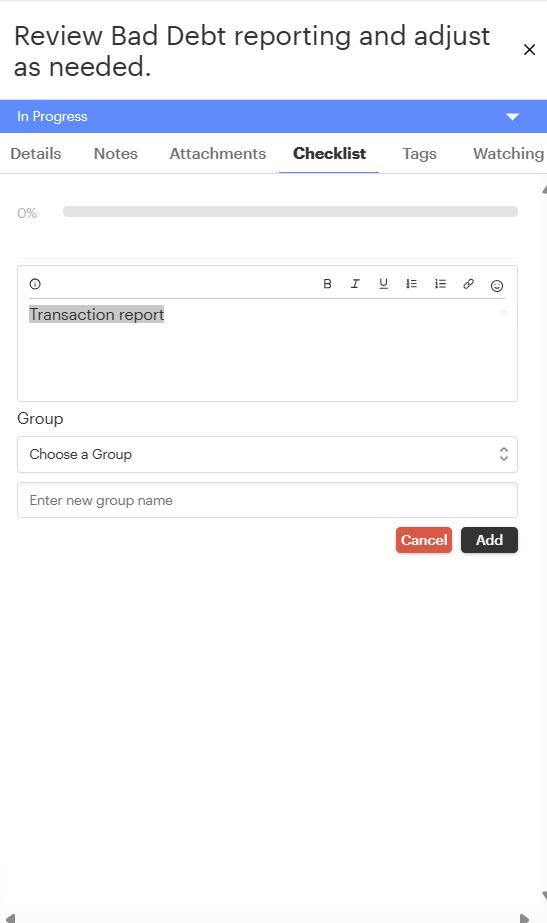
Is it possible a URL can be added via a keyboard shortcut?


Example:

Instead of clicking the link icon to add the link, I can simply press CTRL+K (on a PC) to add a link.



Best answer by emaynez

Hi @Porto at this time that keyboard shortcut isn’t supported 😓 However, I know the team is currently working on adding a new editor to GUIDEcx and there’s going to be some pretty sweet enhancements there (including shortcuts like the one you mentioned.) I’m curious to hear if you have other shortcuts you use a lot! Could you share them here?


3 replies

emaynez
Forum|alt.badge.img
  • Community Manager
  • Answer
  • April 15, 2024

Hi @Porto at this time that keyboard shortcut isn’t supported 😓 However, I know the team is currently working on adding a new editor to GUIDEcx and there’s going to be some pretty sweet enhancements there (including shortcuts like the one you mentioned.) I’m curious to hear if you have other shortcuts you use a lot! Could you share them here?


Forum|alt.badge.img
  • Author
  • New Participant
  • April 15, 2024

Thanks @emaynez for your speedy reply! Ah, I should have searched ‘keyboard shortcut’!

Ctrl+K is the shortcut I most often use. I’ll post others here as I think of them.


emaynez
Forum|alt.badge.img
  • Community Manager
  • April 16, 2024

Awesome! I’d love to see what other shortcuts would be handy in the new iteration!