
Solved

Can you assign a checklist to more than one assignee?

  • March 20, 2024
  • 3 replies
  • 313 views

emaynez
Forum|alt.badge.img

I can’t seem to assign two customers to one shared checklist (it’s on a single task).

I was only able to assign all the tasks to one customer, and now the other customer whom I didn't assign all the tasks to can’t see the checklist in their compass view.

Any tips or workarounds are welcomed!

Best answer by eduensing

Use a participant task? I don’t think they would each have their own checklist, but they can mark themselves done when they have done their part or they have done the list. I am going totally from memory here…. so could be fuzzy.  😁

3 replies

eduensing
  • Inspiring
  • Answer
  • May 1, 2024

Use a participant task? I don’t think they would each have their own checklist, but they can mark themselves done when they have done their part or they have done the list. I am going totally from memory here…. so could be fuzzy.  😁


emaynez
Forum|alt.badge.img
  • Author
  • Community Manager
  • May 2, 2024

You’re correct! The only thing I would add is:

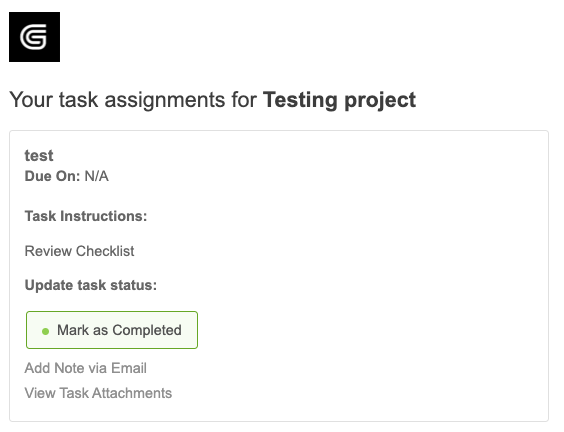
When you use a participant task, the email will only prompt the user to mark their part as DONE. (See screenshot below)
 

A best practice would be to call out the checklist or put the checklist inside the participant task instructions!


eduensing
  • Inspiring
  • May 2, 2024

As I recall, when we used participant tasks early on, is the Mark as Complete would mark the entire task complete, and that is not what we wanted. So, yes, we had to be very specific about just marking themselves complete, and not the task. Frankly, it is the reason we decided against participant tasks in most cases.